Choose how you get notices
Being on your community's notice list doesn't sign you up. Here's how to choose what you get.
Your property manager added you to your community's notice list. That doesn't sign you up: nothing is sent to you until you choose.
- Open the link in the email from DewCommunity about your community's notices, on your phone or your computer. You don't need a login or a password.
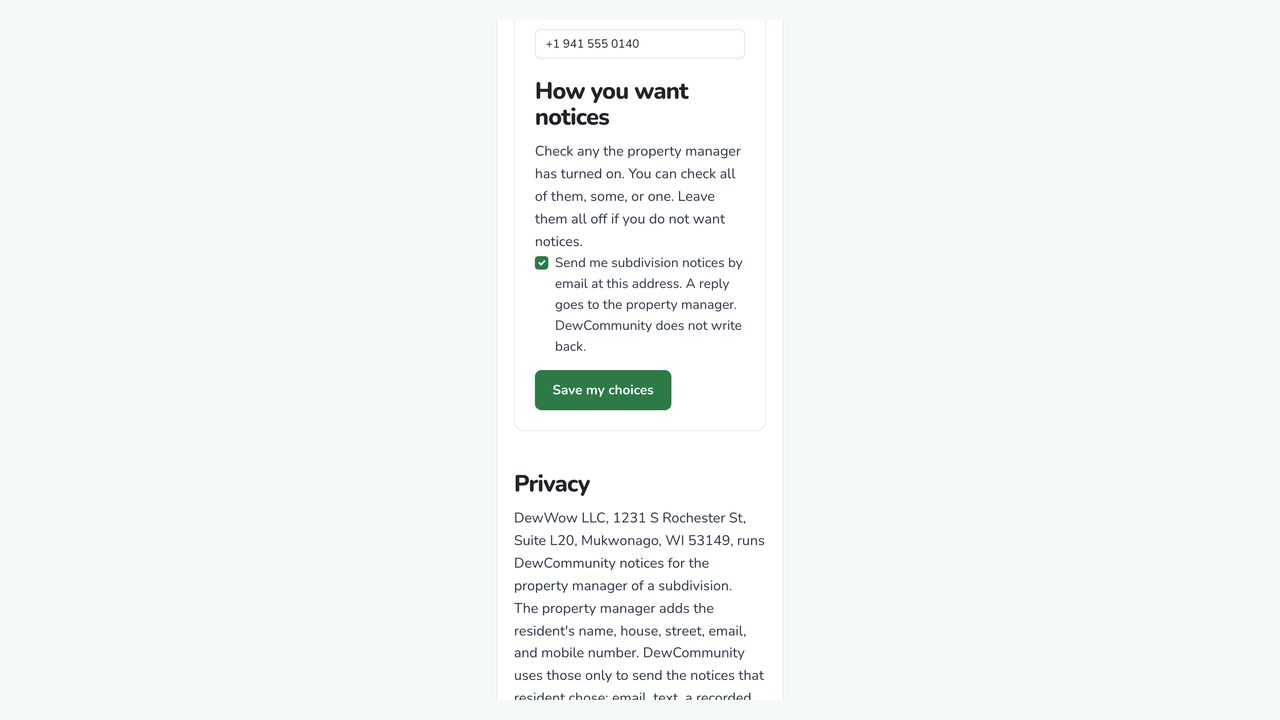
- Check how you want notices, from the ones your community offers, and choose Save my choices. Today notices come by email. Texts and recorded calls are coming.
- You can also leave every box unchecked. Then nothing is sent.
What you'll get
Notices about your community, such as a water shutoff, a gate change or a storm. DewCommunity isn't an emergency alarm.
Change or stop your notices
Every notice email ends with Change or stop these notices, a link back to your page. Change your choices there at any time, or uncheck everything to stop.
Lost your link? Ask your property manager to send it again.
Your information
Your choices are kept with the time you made them and the words you agreed to. See how DewCommunity's notices handle your information.